
Best Mac Apps
10 apps worth installing in 2026
A new Mac does a lot out of the box, but a handful of apps make it noticeably faster to use every day. These are ten we’d install first — launchers, screenshot and window tools, notes, tasks and a few utilities that quietly earn their place in the menu bar.
For Mac app makers
Launch your app here
Get your Mac app featured on this page and launched to makers and early adopters on LaunchStall. Tell us about your app and we’ll get back to you within a day.
The best Mac apps
 #1
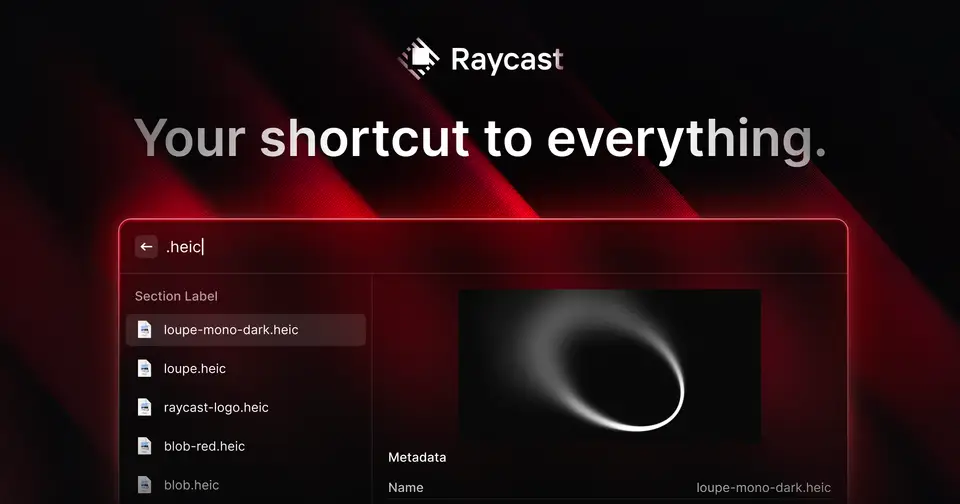
Raycast
raycast.com
A fast, extensible launcher that replaces Spotlight — search apps and files, run scripts, manage windows and clipboard history, and add hundreds of community extensions.
 #2
CleanShot X
cleanshot.com
Screenshots and screen recordings with annotation, scrolling capture, OCR and quick cloud sharing — far beyond the built-in tools.
 #3
Rectangle
rectangleapp.com
Snap windows to halves, thirds and corners with keyboard shortcuts or by dragging. Simple, reliable window management.
Your Mac app here
Built a Mac app? Get it featured on this page, with a followed link and a launch on LaunchStall.
Contact us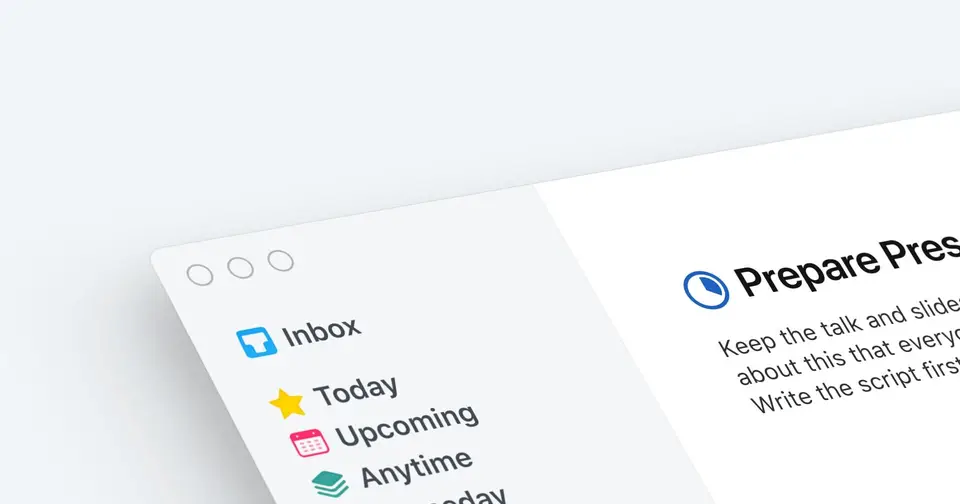 #4
Things 3
culturedcode.com
A beautifully designed task manager for planning your day, projects and areas of life, with sync across Mac, iPhone and iPad.
 #5
Obsidian
obsidian.md
A private, local-first notes app built on plain Markdown files, with linked notes, a graph view and a large plugin ecosystem.
 #6
1Password
1password.com
A password manager that fills logins, passkeys and cards across browsers and devices, with secure sharing for families and teams.
 #7
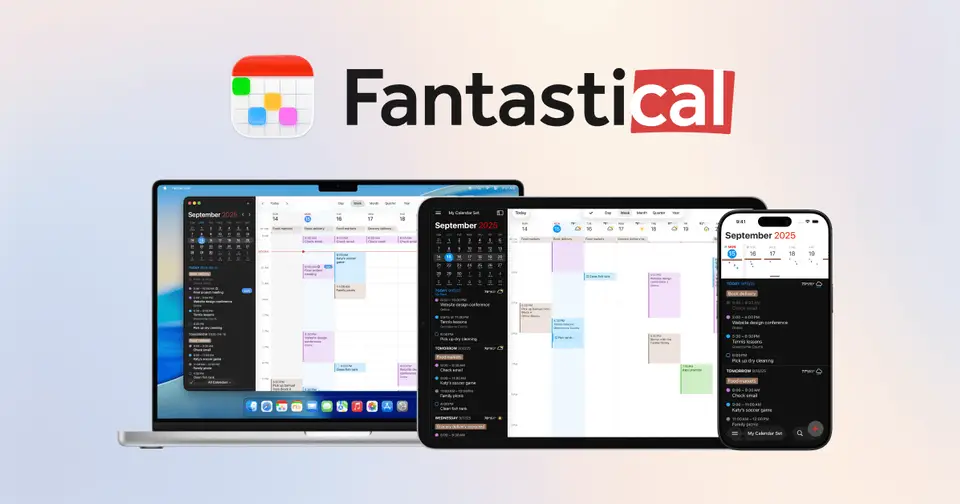
Fantastical
flexibits.com
A calendar and tasks app with natural-language event entry ("lunch with Sam Friday at 1") and a handy menu bar view.
 #8
iStat Menus
bjango.com
Detailed CPU, memory, disk, network, battery and temperature stats right in your menu bar.
 #9
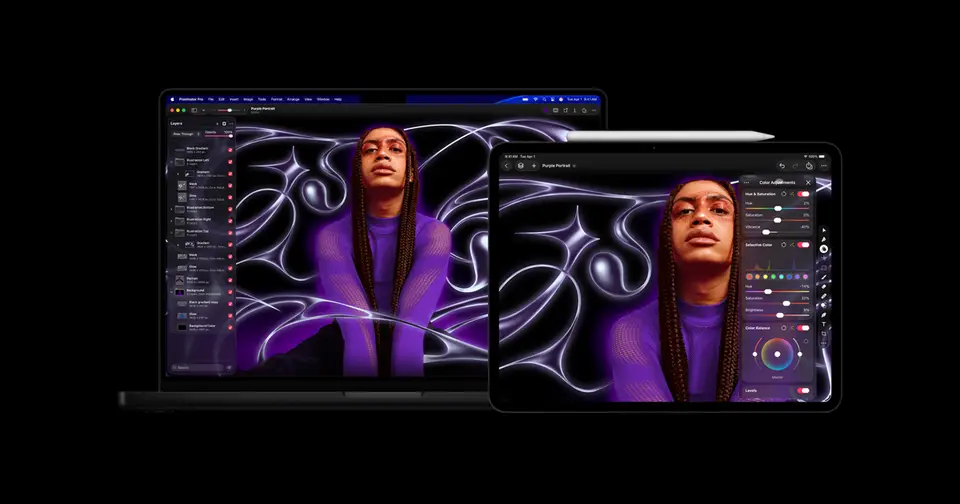
Pixelmator Pro
pixelmator.com
A powerful, Mac-native image editor for photo editing, design and illustration with smart, machine-learning tools.
 #10
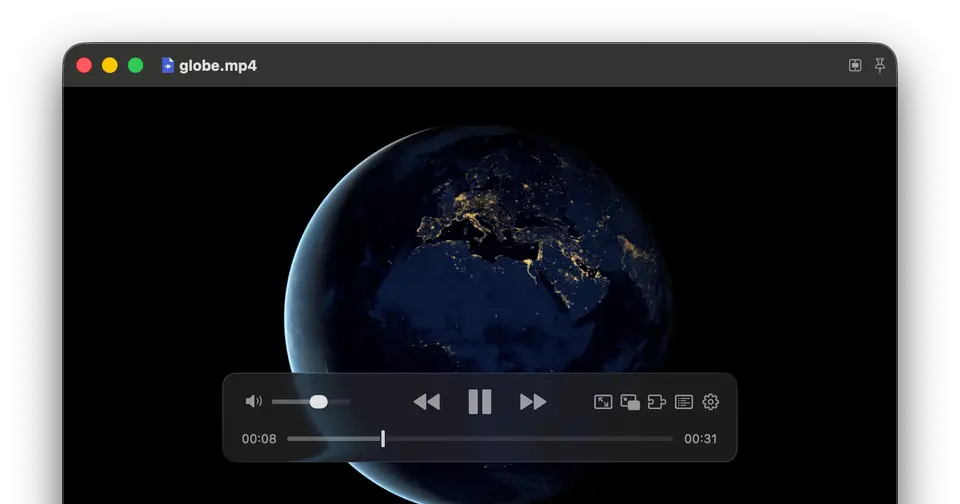
IINA
iina.io
A modern video player for macOS that plays almost any format, with picture-in-picture, subtitles and trackpad gestures.







Frequently asked questions
What are the best Mac apps to install first?
A launcher like Raycast, a window manager like Rectangle, a screenshot tool like CleanShot X and a password manager like 1Password make the biggest everyday difference on a new Mac.
Are there good free Mac apps?
Yes. Rectangle, IINA and Obsidian are free, and Raycast and Fantastical have free plans.
How can I get my Mac app featured on this list?
Contact LaunchStall at founder@launchstall.com or launch your app on LaunchStall — featured apps get a highlighted spot on this page and a followed link.
Listed for information; LaunchStall isn’t affiliated with these apps. Prices and features change — check each developer’s site for current details.