

Canva Alternatives
7 Tools Like Canva
Quick answer: Top Canva alternatives include Adobe Express, Kittl and VistaCreate. Adobe Express and Kittl are free or have free plans.
Canva is an online design tool for social posts, presentations and marketing graphics.
People look for Canva alternatives for more advanced typography and vector tools, different template styles, or a free tool with fewer upsells.
- 7 alternatives
- 7 with a free plan
The best Canva alternatives
 #1
Adobe Express
adobe.com
Adobe’s quick-design app with templates, fonts and Adobe Stock assets.
Read more
In Adobe Express’s own words: “Adobe Express is an all-in-one design, photo, and video tool to make content creation easy. Quickly and easily make stunning social content, videos, logos, and more to stand out on social and beyond.”
Adobe Express has a free plan.
People switching from Canva often consider Adobe Express.
 #2
Kittl
kittl.com
A design tool with strong typography and text effects for logos, merch and posters.
Read more
In Kittl’s own words: “Kittl is the AI design platform built for creativity. Create with top image gen models, pro editing tools, mockups, and curated assets — free to start.”
Kittl has a free plan.
People switching from Canva often consider Kittl.
 #3
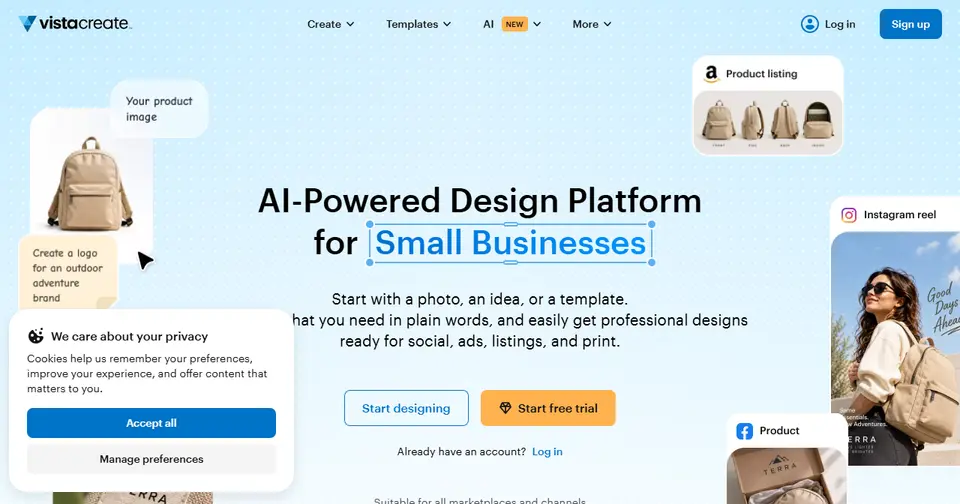
VistaCreate
create.vista.com
Template-based graphic design for social media and marketing.
Read more
VistaCreate has a free plan.
People switching from Canva often consider VistaCreate.
 #4
Visme
visme.co
Presentations, infographics and reports with data visualisations.
Read more
In Visme’s own words: “Create professional presentations, interactive infographics, beautiful design and engaging videos, all in one place. Start using Visme today.”
Visme has a free plan.
People switching from Canva often consider Visme.
 #5
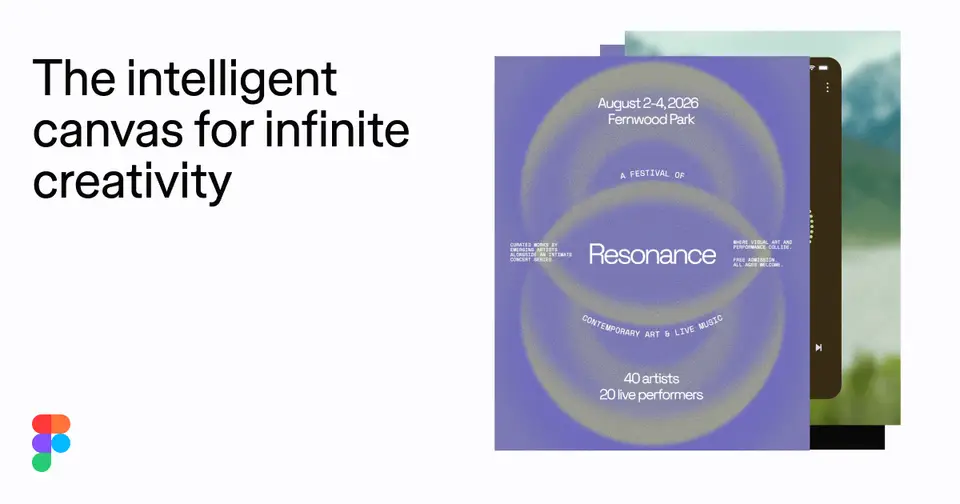
Figma
figma.com
Professional interface and graphic design with real-time collaboration.
Read more
In Figma’s own words: “Figma is the canvas where design, code, and AI come together. From first idea to shipped product — go from concept to production with your whole team, in one place.”
Figma has a free plan.
People switching from Canva and Adobe Illustrator often consider Figma.
 #6
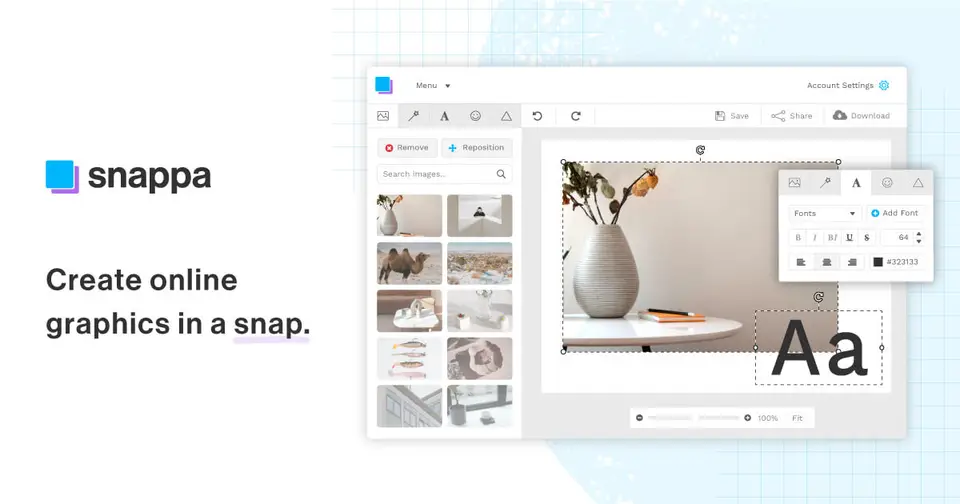
Snappa
snappa.com
Quick graphics for social media, blogs and ads.
Read more
In Snappa’s own words: “Snappa makes it easy to create any type of online graphic. Create & publish images for social media, blogs, ads, and more!”
Snappa has a free plan.
People switching from Canva often consider Snappa.
 #7
Photopea
photopea.com
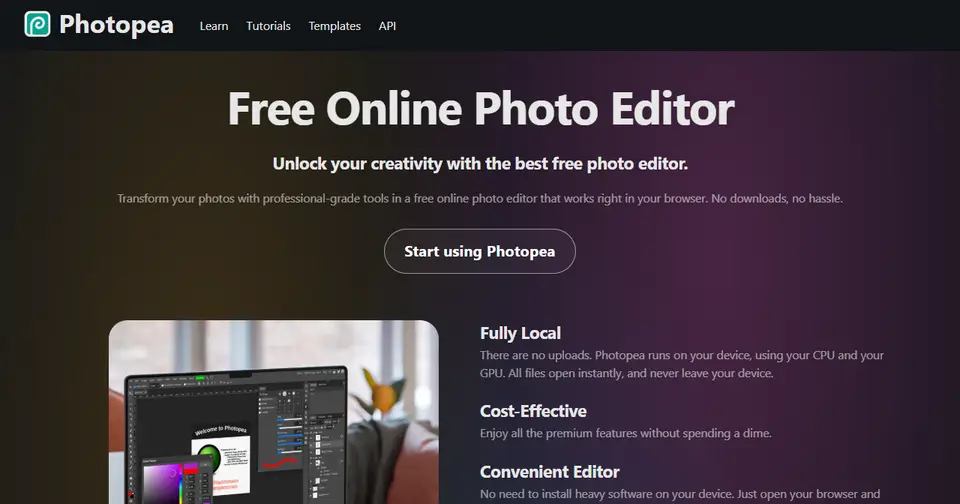
A free, browser-based photo editor that opens PSD files.
Read more
In Photopea’s own words: “Photopea Online Photo Editor lets you edit photos, apply effects, filters, add text, crop or resize pictures. Do Online Photo Editing in your browser for free!”
Photopea is free to use and works right in the browser.
People switching from Canva and Adobe Photoshop often consider Photopea.






Listed for information; LaunchStall isn’t affiliated with these companies. Features and plans change — check each site for current details.
How these Canva alternatives compare
| Tool | Best for | Where it beats Canva | The trade-off |
|---|---|---|---|
| Adobe Express | Adobe users making quick graphics | Ties into Adobe fonts, stock and Creative Cloud files. | A smaller template community feel, and best value inside Adobe’s plans. |
| Kittl | Logos, posters and merch with strong typography | More distinctive type and illustration styles. | Less suited to presentations and everyday business documents. |
| VistaCreate | Small businesses making social posts | A simple template editor with animated formats, close to Canva’s approach. | A smaller template and feature set. |
| Visme | Infographics, reports and data-led content | Stronger charts and data visualisation. | Less fast for casual social graphics. |
| Figma | Designers wanting precise control | Professional layout, components and real-time collaboration. | A steeper learning curve, and fewer ready-made marketing templates. |
| Snappa | Fast, simple social graphics | Very little to learn, and quick to produce a graphic. | A much narrower toolset. |
| Photopea | Photoshop-style editing in a browser | Real layer-based photo editing, and it opens PSD files. | Few templates, and it assumes editing knowledge. |
Which should you choose?
- You want precise design control: Figma
- You make charts and reports: Visme
- You need to edit a PSD in the browser: Photopea
- You design logos and merch: Kittl
Our editorial summary of each tool’s focus, written November 2026. Tools change quickly, so check the details on each site.
Built a Canva alternative?
Get it featured right here
Launch it on LaunchStall: a full week on the leaderboard, a permanent product page and a spot at the top of this list.
Frequently asked questions
What are the best Canva alternatives?
Popular Canva alternatives include Adobe Express, Kittl and VistaCreate. The best choice depends on whether you need a free plan, open-source software or specific features.
Is there a free alternative to Canva?
Yes. Adobe Express, Kittl, VistaCreate and Visme are free or have free plans.
Why do people look for Canva alternatives?
People look for Canva alternatives for more advanced typography and vector tools, different template styles, or a free tool with fewer upsells.
More design alternatives


Alternatives to other tools
NotionEvernoteConfluenceTrelloAsanaMonday.comClickUpJiraAirtableTodoistMiroAhrefsSemrushMozMailchimpHootsuiteBufferHubSpotAll alternatives →