Adobe Photoshop Alternatives
6 Tools Like Adobe Photoshop
Quick answer: Top Adobe Photoshop alternatives include GIMP, Affinity Photo and Photopea. For open source, look at GIMP and Krita. GIMP and Photopea are free or have free plans.
Adobe Photoshop is the industry-standard image editor for photos and graphics.
People look for Photoshop alternatives to avoid a subscription, to get a lighter app for occasional edits, or to use free open-source software.
- 6 alternatives
- 4 with a free plan
- 2 open source
The best Adobe Photoshop alternatives
 #1
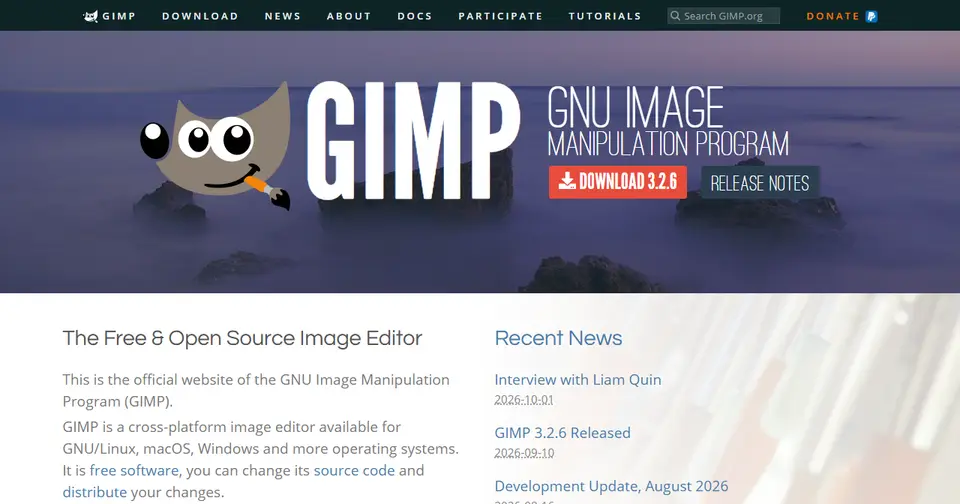
GIMP
gimp.org
The best-known free, open-source image editor for Windows, Mac and Linux.
Read more
In GIMP’s own words: “GIMP - The GNU Image Manipulation Program: The Free and Open Source Image Editor”
GIMP is open source and is free to use.
People switching from Adobe Photoshop often consider GIMP.
 #2
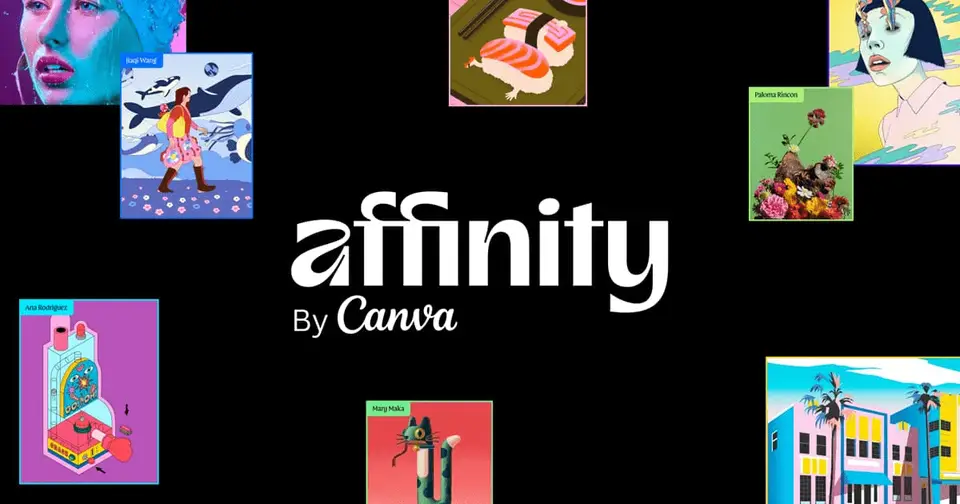
Affinity Photo
affinity.studio
A professional photo editor from Affinity, without the Adobe subscription.
Read more
In Affinity Photo’s own words: “Powerful, precise, and free forever. Discover Affinity — the next generation of professional photo, design, and layout software built for creative freedom.”
People switching from Adobe Photoshop often consider Affinity Photo.
 #3
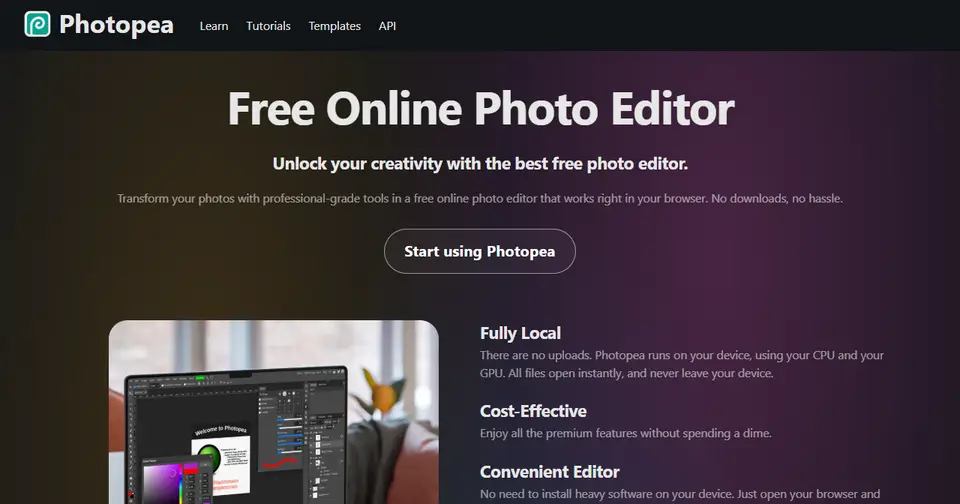
Photopea
photopea.com
A Photoshop-like editor that runs in your browser and opens PSDs.
Read more
In Photopea’s own words: “Photopea Online Photo Editor lets you edit photos, apply effects, filters, add text, crop or resize pictures. Do Online Photo Editing in your browser for free!”
Photopea is free to use and works right in the browser.
People switching from Canva and Adobe Photoshop often consider Photopea.
 #4
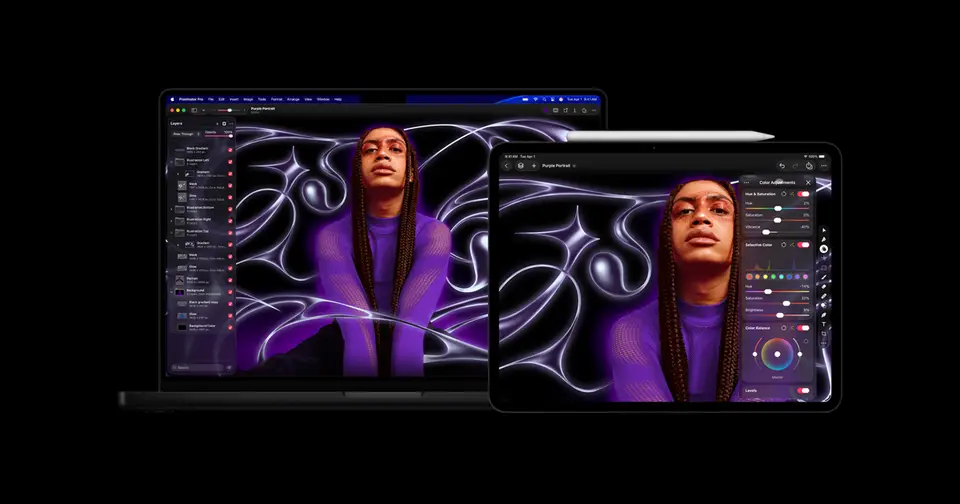
Pixelmator Pro
pixelmator.com
A powerful, native image editor for Mac.
Read more
In Pixelmator Pro’s own words: “Pixelmator Pro is a powerful, easy-to-use image editor that brings professional tools and powerful AI features to everyone across Mac and iPad.”
Pixelmator Pro runs on Mac.
People switching from Adobe Photoshop often consider Pixelmator Pro.
 #5
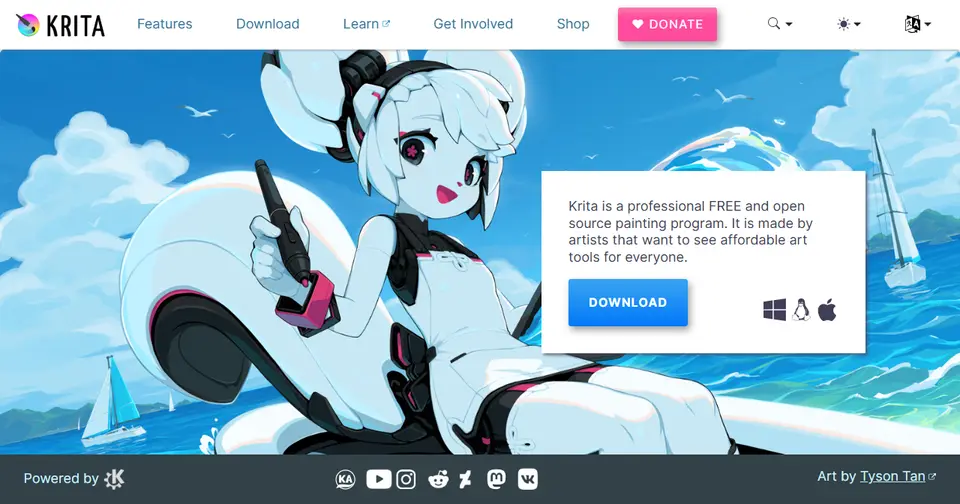
Krita
krita.org
Free, open-source software focused on digital painting and illustration.
Read more
Krita is open source and is free to use.
People switching from Adobe Photoshop often consider Krita.
 #6
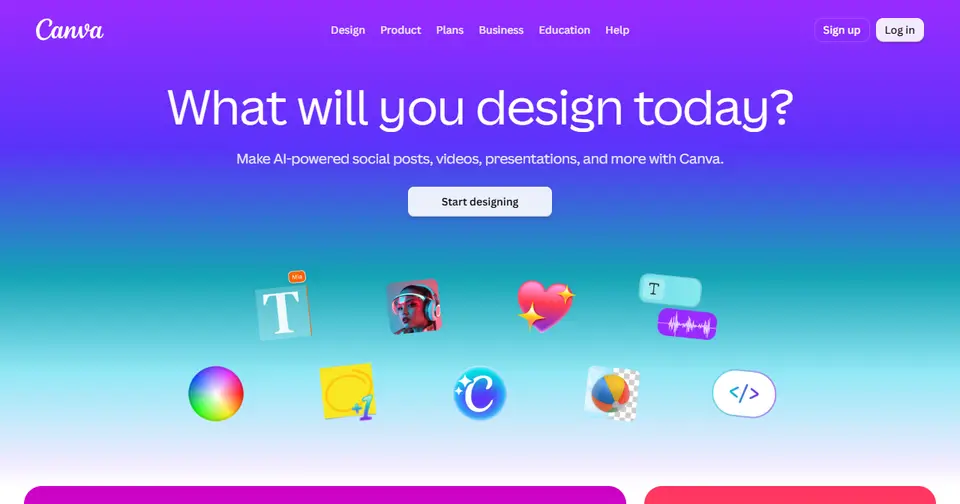
Canva
canva.com
For quick marketing graphics rather than detailed photo editing.
Read more
Canva has a free plan.
People switching from Adobe Photoshop, PowerPoint and Google Slides often consider Canva.


Listed for information; LaunchStall isn’t affiliated with these companies. Features and plans change — check each site for current details.
How these Adobe Photoshop alternatives compare
| Tool | Best for | Where it beats Adobe Photoshop | The trade-off |
|---|---|---|---|
| GIMP | A free, full-featured editor | Free and open source, with deep editing tools and plugins. | An interface many find less intuitive, and weaker CMYK support. |
| Affinity Photo | Professionals leaving Creative Cloud | Professional tools without an Adobe subscription, and it opens PSDs. | Fewer third-party plugins and tutorials. |
| Photopea | Quick edits with nothing to install | Runs in a browser and handles PSD files. | Struggles with very large files, and it depends on your browser. |
| Pixelmator Pro | Mac users | A polished native Mac app with smart, easy tools. | Mac only. |
| Krita | Digital painting and illustration | Free, open source and excellent for drawing with a tablet. | Not a photo-editing specialist. |
| Canva | Non-designers making graphics | Templates make quick results very easy. | Very limited for detailed photo retouching. |
Which should you choose?
- You want free and powerful: GIMP
- You paint or illustrate: Krita
- You want to avoid an Adobe subscription: Affinity Photo
- You don’t want to install anything: Photopea
Our editorial summary of each tool’s focus, written November 2026. Tools change quickly, so check the details on each site.
Built a Adobe Photoshop alternative?
Get it featured right here
Launch it on LaunchStall: a full week on the leaderboard, a permanent product page and a spot at the top of this list.
Frequently asked questions
What are the best Adobe Photoshop alternatives?
Popular Adobe Photoshop alternatives include GIMP, Affinity Photo and Photopea. The best choice depends on whether you need a free plan, open-source software or specific features.
Is there a free alternative to Adobe Photoshop?
Yes. GIMP, Photopea, Krita and Canva are free or have free plans.
Is there an open-source alternative to Adobe Photoshop?
Yes — GIMP and Krita are open source.
Why do people look for Adobe Photoshop alternatives?
People look for Photoshop alternatives to avoid a subscription, to get a lighter app for occasional edits, or to use free open-source software.
More design alternatives
Alternatives to other tools
NotionEvernoteConfluenceTrelloAsanaMonday.comClickUpJiraAirtableTodoistMiroAhrefsSemrushMozMailchimpHootsuiteBufferHubSpotAll alternatives →