

Google Keep Alternatives
7 Tools Like Google Keep
Quick answer: Top Google Keep alternatives include Apple Notes, Microsoft OneNote and Simplenote. For open source, look at Simplenote. Apple Notes and Microsoft OneNote are free or have free plans.
Google Keep is Google’s quick notes and lists app.
People outgrow Keep when they need folders, rich formatting, longer notes or encryption.
- 7 alternatives
- 7 with a free plan
- 1 open source
The best Google Keep alternatives
 #1
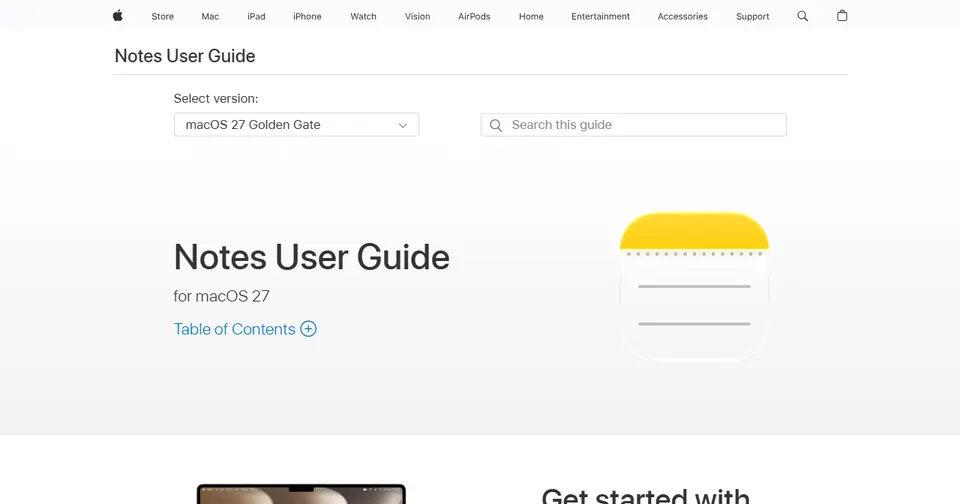
Apple Notes
support.apple.com
Free notes app built into Apple devices, synced with iCloud.
Read more
In Apple Notes’s own words: “Learn how to use Notes on your Mac to jot down a quick thought or save something interesting (such as an image, web link, or checklist) for later.”
Apple Notes is free to use and runs on Mac.
People switching from OneNote and Google Keep often consider Apple Notes.
 #2
Microsoft OneNote
onenote.com
Free notebook-style note-taking from Microsoft.
Read more
In Microsoft OneNote’s own words: “Capture your ideas with Microsoft OneNote online. Organize notes, clip web content, and collaborate with others from any device.”
Microsoft OneNote is free to use.
People switching from Evernote and Google Keep often consider Microsoft OneNote.
 #3
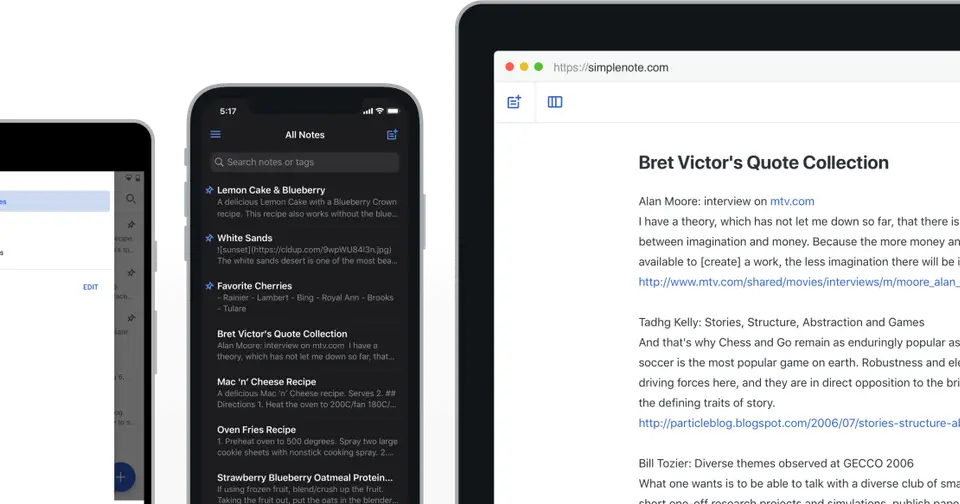
Simplenote
simplenote.com
Plain, fast, free notes synced across devices.
Read more
In Simplenote’s own words: “The simplest way to keep notes. Light, clean, and free. Simplenote is now available for iOS, Android, Mac, and the web.”
Simplenote is free to use and is open source.
People switching from Evernote and Google Keep often consider Simplenote.
 #4
Standard Notes
standardnotes.com
End-to-end encrypted notes built for privacy and longevity.
Read more
In Standard Notes’s own words: “Standard Notes helps you gain control in a world that often feels out of control. Protect your life's work with end-to-end encryption, advanced security measures, and unmatched privacy controls.”
Standard Notes has a free plan and is built with privacy in mind.
People switching from Evernote, OneNote and Google Keep often consider Standard Notes.
 #5
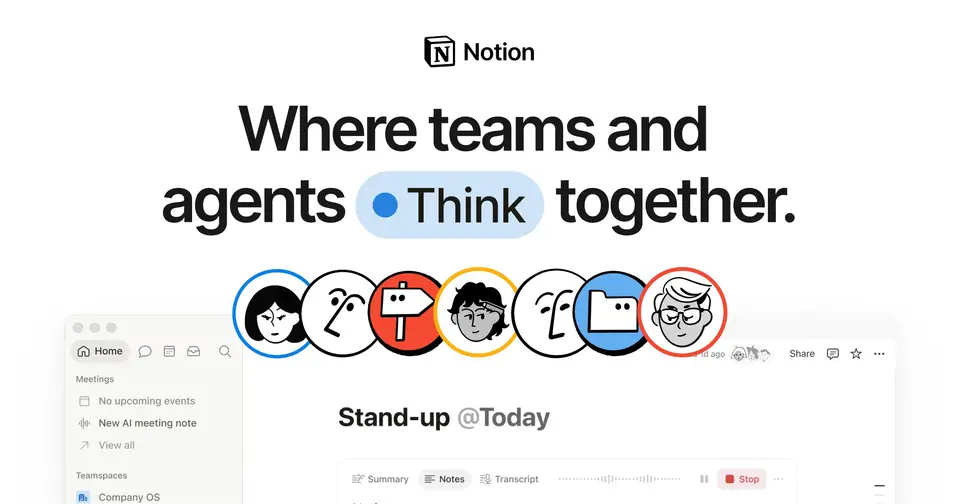
Notion
notion.so
All-in-one workspace for notes, docs, wikis and databases.
Read more
In Notion’s own words: “Build Custom Agents, search across all your apps, and automate busywork. The AI workspace where teams get more done, faster.”
Notion has a free plan.
People switching from Evernote, Confluence, Monday.com, ClickUp and Airtable often consider Notion, along with 7 other tools.
 #6
Todoist
todoist.com
Popular to-do list for individuals and teams.
Read more
In Todoist’s own words: “Trusted by 30 million people and teams. Todoist is the world's favorite task manager and to-do list app. Finally become focused, organized and calm.”
Todoist has a free plan.
People switching from Google Keep and Microsoft Planner often consider Todoist.
 #7
Obsidian
obsidian.md
Markdown notes stored as local files, with backlinks and plugins.
Read more
In Obsidian’s own words: “The free and flexible app for your private thoughts.”
Obsidian has a free plan and is built with privacy in mind.
People switching from Notion, Evernote, OneNote and Google Keep often consider Obsidian.




Listed for information; LaunchStall isn’t affiliated with these companies. Features and plans change — check each site for current details.
How these Google Keep alternatives compare
| Tool | Best for | Where it beats Google Keep | The trade-off |
|---|---|---|---|
| Apple Notes | iPhone and Mac users | Folders, tables, scanning and rich formatting for free. | Weak outside Apple devices. |
| Microsoft OneNote | Free, longer notes | Free notebooks with rich formatting and pen support. | Slower for a quick note. |
| Simplenote | Plain text with version history | Simple and fast, with tags and note history. | No images, reminders or checklists like Keep’s. |
| Standard Notes | Encrypted notes | End-to-end encryption by default. | More limited formatting on the free plan. |
| Notion | Notes that grow into projects | Pages, databases and much more structure. | Far slower for capturing a quick note. |
| Todoist | When your notes are really tasks | Due dates, projects and reminders done properly. | A task app, not a place for notes. |
| Obsidian | Building a long-term notes library | Local files, links between notes, and huge flexibility. | Much more to learn than Keep. |
Which should you choose?
- You need folders and formatting on iPhone: Apple Notes
- You mostly keep to-do lists: Todoist
- You want encrypted notes: Standard Notes
Our editorial summary of each tool’s focus, written November 2026. Tools change quickly, so check the details on each site.
Built a Google Keep alternative?
Get it featured right here
Launch it on LaunchStall: a full week on the leaderboard, a permanent product page and a spot at the top of this list.
Frequently asked questions
What are the best Google Keep alternatives?
Popular Google Keep alternatives include Apple Notes, Microsoft OneNote and Simplenote. The best choice depends on whether you need a free plan, open-source software or specific features.
Is there a free alternative to Google Keep?
Yes. Apple Notes, Microsoft OneNote, Simplenote and Standard Notes are free or have free plans.
Is there an open-source alternative to Google Keep?
Yes — Simplenote is open source.
Why do people look for Google Keep alternatives?
People outgrow Keep when they need folders, rich formatting, longer notes or encryption.
More notes & docs alternatives


Alternatives to other tools
TrelloAsanaMonday.comClickUpJiraAirtableTodoistMiroCanvaFigmaAdobe PhotoshopAhrefsSemrushMozMailchimpHootsuiteBufferHubSpotAll alternatives →