

Microsoft Word Alternatives
7 Tools Like Microsoft Word
Quick answer: Top Microsoft Word alternatives include Google Docs, LibreOffice and Apple Pages. For open source, look at LibreOffice and ONLYOFFICE. Google Docs and LibreOffice are free or have free plans.
Microsoft Word is the standard word processor.
People look for Word alternatives to avoid a Microsoft 365 subscription, collaborate in real time, or use free and open-source software.
- 7 alternatives
- 6 with a free plan
- 2 open source
- 1 self-hostable
The best Microsoft Word alternatives
 #1
Google Docs
docs.google.com
Free, real-time collaborative documents in the browser.
Read more
Google Docs is free to use and works right in the browser.
People switching from Microsoft Word often consider Google Docs.
 #2
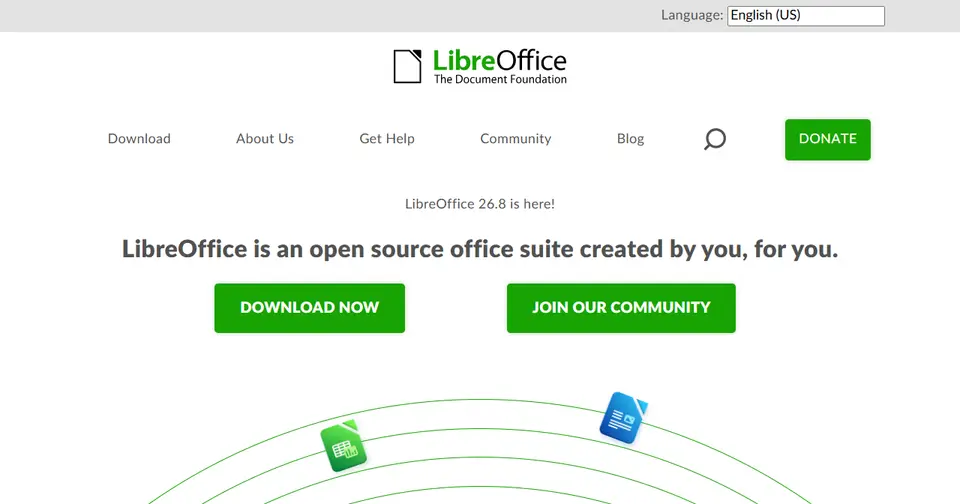
LibreOffice
libreoffice.org
Free, open-source office suite: Writer, Calc, Impress and more.
Read more
LibreOffice is open source and is free to use.
People switching from Microsoft Word, Microsoft Excel, PowerPoint, Google Docs and Google Sheets often consider LibreOffice.
 #3
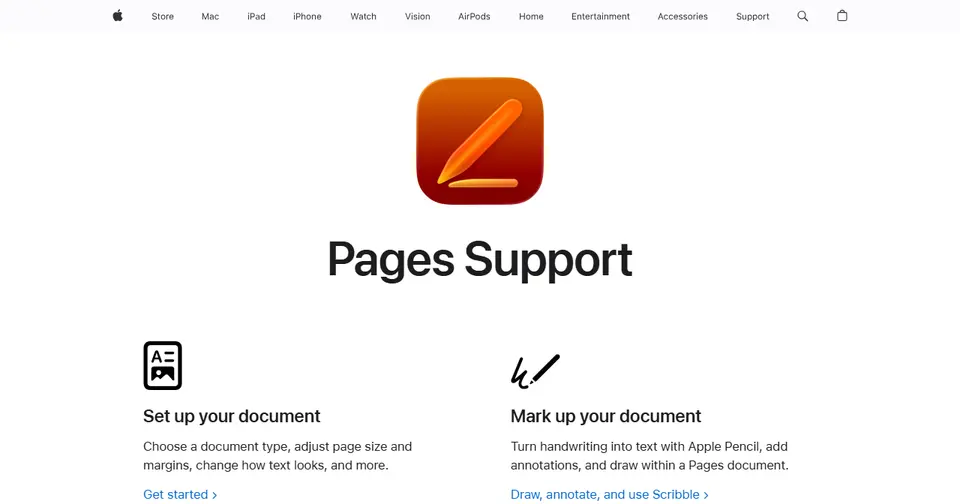
Apple Pages
apple.com
Apple’s free word processor for Mac, iPhone and iPad.
Read more
In Apple Pages’s own words: “Get help creating letters, flyers, or essays, add images or charts, or continue editing your document from any Apple device with these Pages resources.”
Apple Pages is free to use and runs on Mac.
People switching from Microsoft Word often consider Apple Pages.
 #4
ONLYOFFICE
onlyoffice.com
Open-source office suite highly compatible with Microsoft formats.
Read more
In ONLYOFFICE’s own words: “Build a secure AI-powered office infrastructure with ONLYOFFICE. Collaborate on documents, automate workflows, and use intelligent assistants while keeping your data under your control.”
ONLYOFFICE is open source and can be self-hosted.
People switching from Microsoft Word, Google Docs and Google Workspace often consider ONLYOFFICE.
 #5
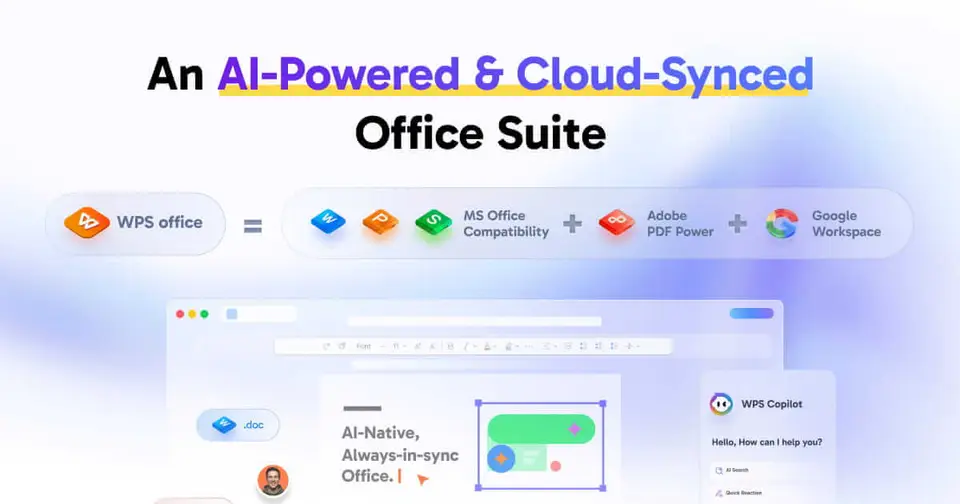
WPS Office
wps.com
Free office suite compatible with Word, Excel and PowerPoint files.
Read more
In WPS Office’s own words: “WPS Office is a free all-in-one office suite for Microsoft Word, Excel, PowerPoint, and PDF files. Write, edit, convert, and collaborate faster with built-in AI across Windows, Mac, and mobile.”
WPS Office has a free plan.
People switching from Microsoft Word often consider WPS Office.
 #6
Zoho Writer
zoho.com
Online word processor in the Zoho suite.
Read more
In Zoho Writer’s own words: “The user-friendly word processor to create, edit, share, collaborate on, review, and publish documents. Fully free; works seamlessly with DOCX and PDF as well.”
Zoho Writer has a free plan.
People switching from Microsoft Word and Google Docs often consider Zoho Writer.
 #7
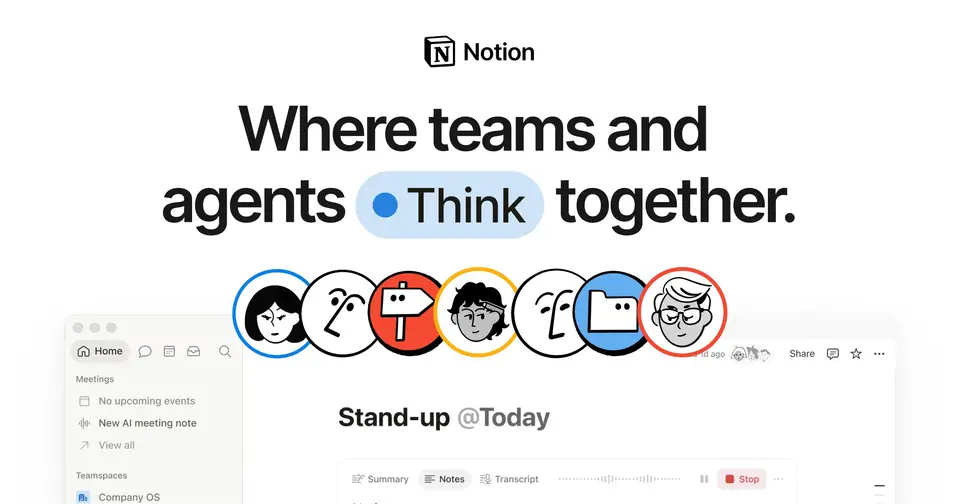
Notion
notion.so
All-in-one workspace for notes, docs, wikis and databases.
Read more
In Notion’s own words: “Build Custom Agents, search across all your apps, and automate busywork. The AI workspace where teams get more done, faster.”
Notion has a free plan.
People switching from Evernote, Confluence, Monday.com, ClickUp and Airtable often consider Notion, along with 7 other tools.







Listed for information; LaunchStall isn’t affiliated with these companies. Features and plans change — check each site for current details.
How these Microsoft Word alternatives compare
| Tool | Best for | Where it beats Microsoft Word | The trade-off |
|---|---|---|---|
| Google Docs | Real-time collaboration | Free, with excellent sharing and live editing. | Weaker on complex layouts and formatting. |
| LibreOffice | Free desktop office | Free, open source and offline. | Complex Word files may not look identical. |
| Apple Pages | Apple users | Free and good-looking. | Apple-first, and exports can shift. |
| ONLYOFFICE | Self-hosted, compatible editing | Open source and close to Word’s formats. | You run it if self-hosted. |
| WPS Office | A free Word-like interface | Familiar and light, with Word compatibility. | Ads in the free version. |
| Zoho Writer | Zoho users | A strong free online writer. | Less familiar to collaborators. |
| Notion | Team documents and wikis | Modern docs with databases. | Not suited to print layouts. |
Which should you choose?
- You want free and online: Google Docs
- You want free and offline: LibreOffice
- You must self-host: ONLYOFFICE
Our editorial summary of each tool’s focus, written November 2026. Tools change quickly, so check the details on each site.
Built a Microsoft Word alternative?
Get it featured right here
Launch it on LaunchStall: a full week on the leaderboard, a permanent product page and a spot at the top of this list.
Frequently asked questions
What are the best Microsoft Word alternatives?
Popular Microsoft Word alternatives include Google Docs, LibreOffice and Apple Pages. The best choice depends on whether you need a free plan, open-source software or specific features.
Is there a free alternative to Microsoft Word?
Yes. Google Docs, LibreOffice, Apple Pages and WPS Office are free or have free plans.
Is there an open-source alternative to Microsoft Word?
Yes — LibreOffice and ONLYOFFICE are open source.
Why do people look for Microsoft Word alternatives?
People look for Word alternatives to avoid a Microsoft 365 subscription, collaborate in real time, or use free and open-source software.
More office & productivity alternatives
- Microsoft Excel alternatives8 alternatives
- PowerPoint alternatives8 alternatives
- Google Docs alternatives6 alternatives
- Google Sheets alternatives7 alternatives
- Google Slides alternatives6 alternatives
- Google Workspace alternatives5 alternatives
- Scribe alternatives5 alternatives
- Pocket alternatives6 alternatives




Alternatives to other tools
NotionEvernoteConfluenceTrelloAsanaMonday.comClickUpJiraAirtableTodoistMiroCanvaFigmaAdobe PhotoshopAhrefsSemrushMozMailchimpAll alternatives →