
PowerPoint Alternatives
8 Tools Like PowerPoint
Quick answer: Top PowerPoint alternatives include Google Slides, Apple Keynote and Canva. For open source, look at LibreOffice. Google Slides and Apple Keynote are free or have free plans.
PowerPoint is Microsoft’s presentation software.
People look for PowerPoint alternatives for free tools, AI-designed slides, easier collaboration or more modern templates.
- 8 alternatives
- 7 with a free plan
- 1 open source
The best PowerPoint alternatives
 #1
Google Slides
slides.google.com
Free collaborative presentations in the browser.
Read more
In Google Slides’s own words: “Access Google Slides with a personal Google account or Google Workspace account (for business use).”
Google Slides is free to use and works right in the browser.
People switching from PowerPoint often consider Google Slides.
 #2
Apple Keynote
apple.com
Apple’s free presentation app with polished animations.
Read more
In Apple Keynote’s own words: “Learn more about creating, editing, saving, and sharing presentations on your Mac, iPad, iPhone, iPod touch, and on the web. Learn more with these Keynote resources.”
Apple Keynote is free to use and runs on Mac.
People switching from PowerPoint and Google Slides often consider Apple Keynote.
 #3
Canva
canva.com
Online design tool with templates for social posts, slides and more.
Read more
Canva has a free plan.
People switching from Adobe Photoshop, PowerPoint and Google Slides often consider Canva.
 #4
Pitch
pitch.com
Collaborative presentation software for modern teams.
Read more
In Pitch’s own words: “Pitch is the collaborative presentation platform for teams that want to create, share, and deliver better work.”
Pitch has a free plan.
People switching from PowerPoint and Google Slides often consider Pitch.
 #5
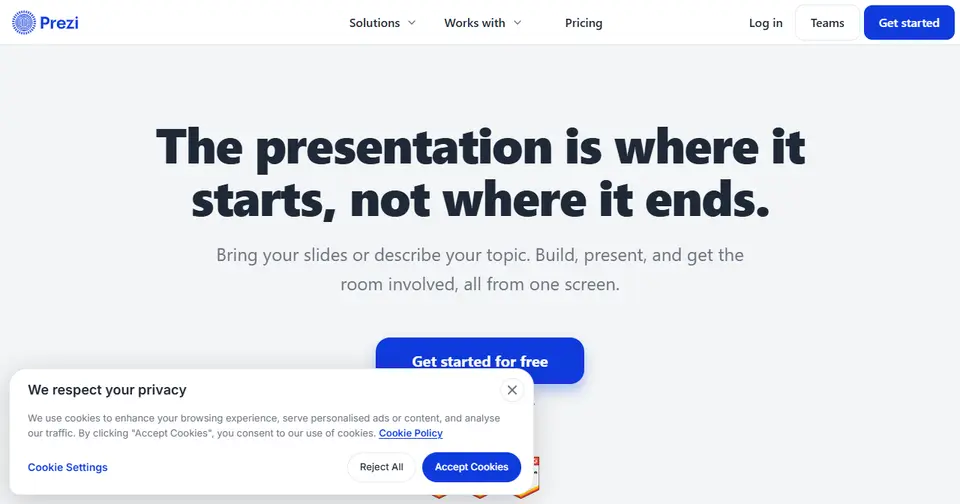
Prezi
prezi.com
Zooming, non-linear presentations and video.
Read more
In Prezi’s own words: “Prezi is an interactive presentation platform for educators, trainers, and teams. Bring the slides you have or describe what you're covering, run live polls and quizzes everyone joins from their phone, then share one link that keeps working after the session.”
Prezi has a free plan.
People switching from PowerPoint and Google Slides often consider Prezi.
 #6
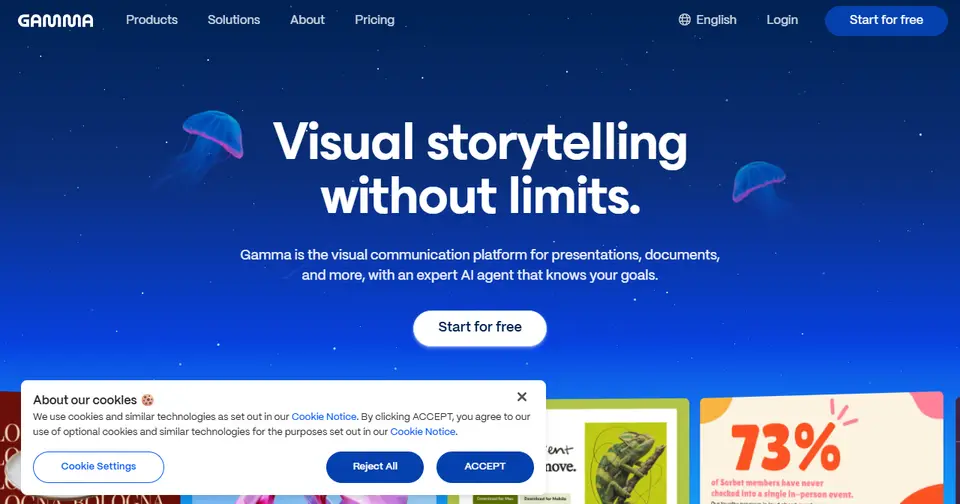
Gamma
gamma.app
AI-powered presentations, documents and web pages.
Read more
Gamma has a free plan.
People switching from PowerPoint and Google Slides often consider Gamma.
 #7
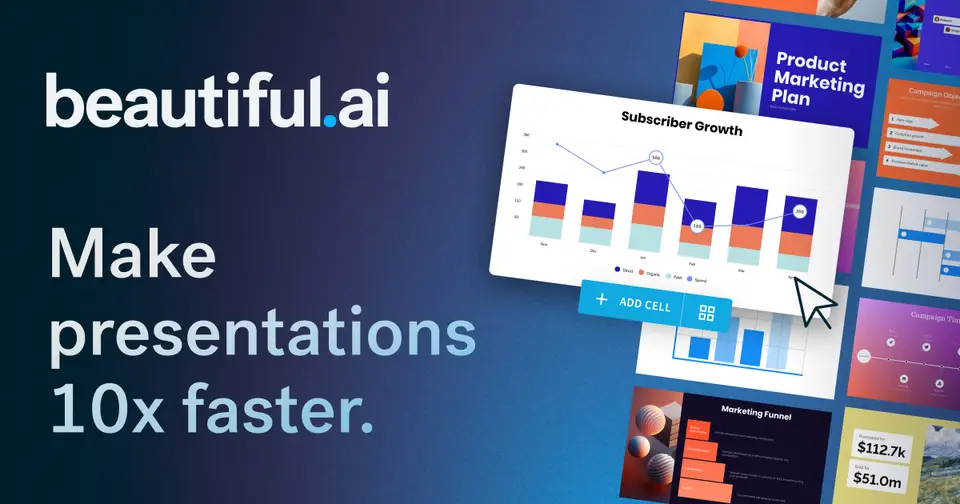
Beautiful.ai
beautiful.ai
Presentation software with smart templates that design for you.
Read more
In Beautiful.ai’s own words: “The AI presentation platform built for enterprise teams. Beautiful.ai keeps every deck on-brand and ready to share across the whole company.”
People switching from PowerPoint often consider Beautiful.ai.
 #8
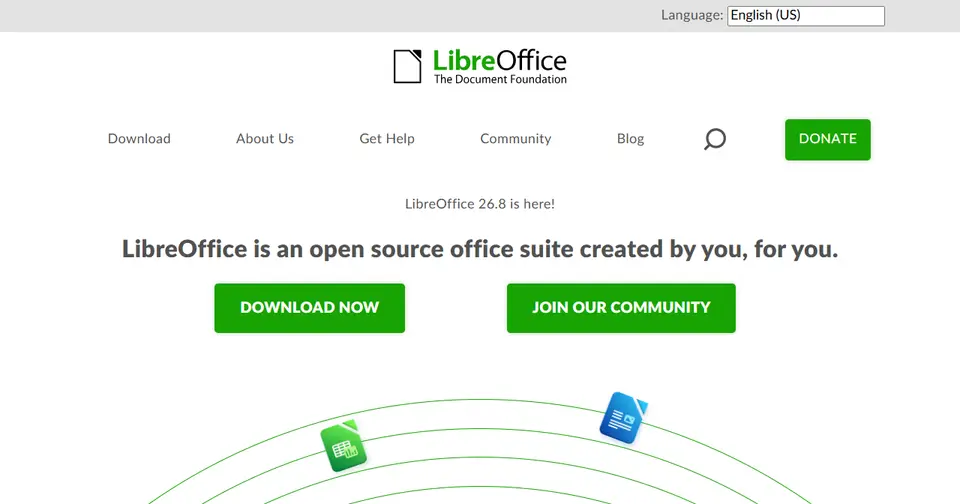
LibreOffice
libreoffice.org
Free, open-source office suite: Writer, Calc, Impress and more.
Read more
LibreOffice is open source and is free to use.
People switching from Microsoft Word, Microsoft Excel, PowerPoint, Google Docs and Google Sheets often consider LibreOffice.








Listed for information; LaunchStall isn’t affiliated with these companies. Features and plans change — check each site for current details.
How these PowerPoint alternatives compare
| Tool | Best for | Where it beats PowerPoint | The trade-off |
|---|---|---|---|
| Google Slides | Team collaboration | Free, with easy live editing. | Fewer animation and design tools. |
| Apple Keynote | Apple users | Free, with polished animation. | Apple-first. |
| Canva | Non-designers | Great templates and design help. | Fewer detailed presentation controls. |
| Pitch | Startups and teams | Clean, collaborative decks. | Fewer advanced features. |
| Prezi | Non-linear talks | Zooming canvas for engaging talks. | Can distract, with a learning curve. |
| Gamma | Quick decks using AI | Generates polished decks from a prompt. | Less precise layout control. |
| Beautiful.ai | Automatic formatting | Slides that auto-arrange to look right. | Less freedom to design. |
| LibreOffice | Free offline slides | Free, open source and offline. | Fewer templates, and complex files may shift. |
Which should you choose?
- You want a deck fast: Gamma
- You want free collaboration: Google Slides
- You’re on a Mac: Apple Keynote
Our editorial summary of each tool’s focus, written November 2026. Tools change quickly, so check the details on each site.
Built a PowerPoint alternative?
Get it featured right here
Launch it on LaunchStall: a full week on the leaderboard, a permanent product page and a spot at the top of this list.
Frequently asked questions
What are the best PowerPoint alternatives?
Popular PowerPoint alternatives include Google Slides, Apple Keynote and Canva. The best choice depends on whether you need a free plan, open-source software or specific features.
Is there a free alternative to PowerPoint?
Yes. Google Slides, Apple Keynote, Canva and Pitch are free or have free plans.
Is there an open-source alternative to PowerPoint?
Yes — LibreOffice is open source.
Why do people look for PowerPoint alternatives?
People look for PowerPoint alternatives for free tools, AI-designed slides, easier collaboration or more modern templates.
More office & productivity alternatives
- Microsoft Word alternatives7 alternatives
- Microsoft Excel alternatives8 alternatives
- Google Docs alternatives6 alternatives
- Google Sheets alternatives7 alternatives
- Google Slides alternatives6 alternatives
- Google Workspace alternatives5 alternatives
- Scribe alternatives5 alternatives
- Pocket alternatives6 alternatives




Alternatives to other tools
NotionEvernoteConfluenceTrelloAsanaMonday.comClickUpJiraAirtableTodoistMiroCanvaFigmaAdobe PhotoshopAhrefsSemrushMozMailchimpAll alternatives →